
Wired vs. Wireless Barcode Scanners: Which Is Right for Your Operation?
The Choice Isn't About the Cable. It's About Your Workflow.
When people ask about wired versus wireless barcode scanners, the assumption is usually that wireless is the obvious upgrade and wired is the legacy option you're trying to move away from. That's not quite right. The choice isn't about which technology is newer — it's about which one fits your actual workflow. In some environments, a wired scanner is genuinely the better tool. In others, wireless is non-negotiable. Most operations have both.
Beyond the initial purchase price, the real decision rests on long-term operational costs: the high frequency of cable replacements in stationary workflows versus the battery management overhead of mobile fleets.
This guide works through the real decision factors: where each option performs best, what wireless technology to choose when wireless makes sense, and how battery management and total cost of ownership factor into a decision that's often treated as simpler than it actually is.
What Are the Real Advantages of a Wired Scanner?
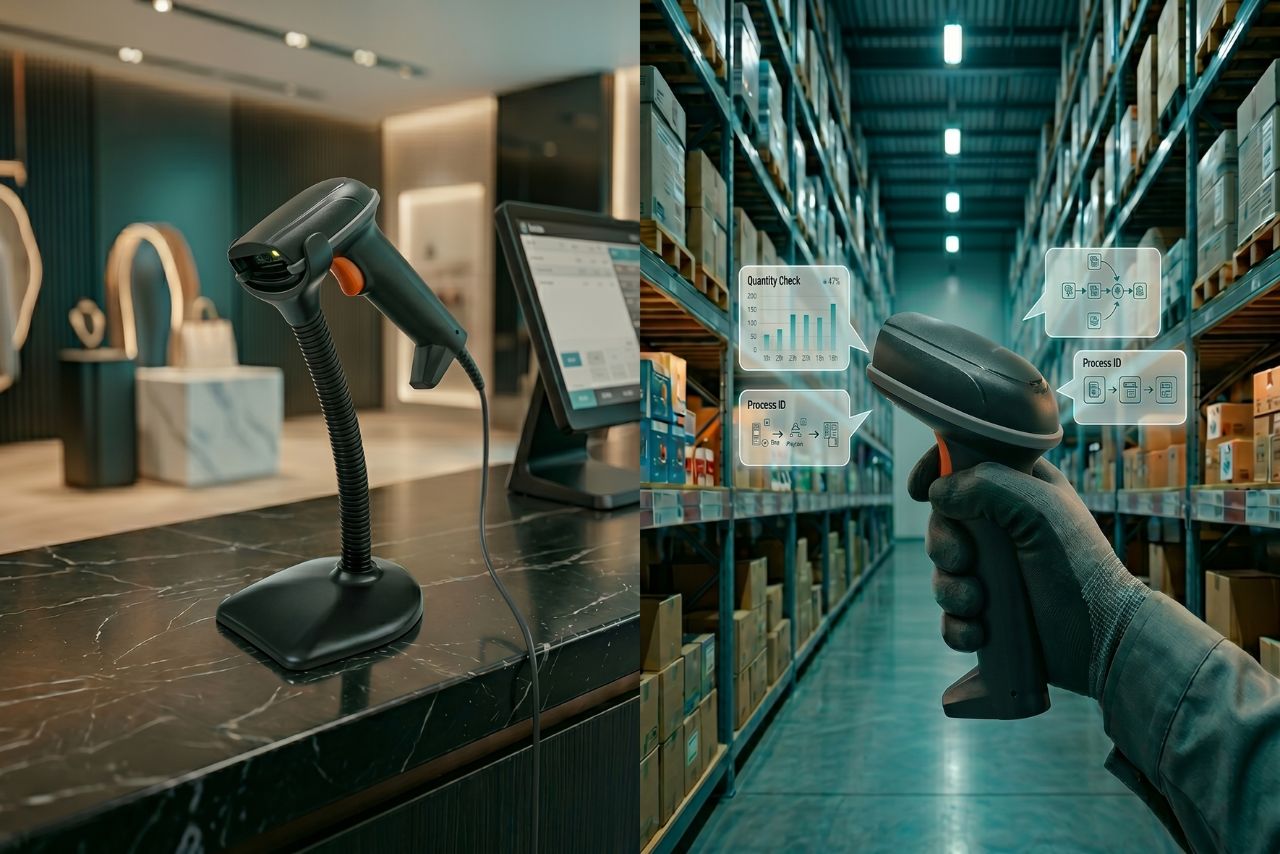
A wired barcode scanner connects to a host device — a computer, a terminal, a POS register — via USB, RS-232, or PS/2. Once connected, it works. This plug-and-play simplicity offers maximum uptime but introduces a specific point of failure: the cable. Industry data shows that in high-volume environments, scanner cables are replaced every 6 to 12 months, a recurring TCO factor often overlooked in budget planning.
Zero battery dependency
A wired scanner draws power from the host device. There is no pairing process, no wireless signal to maintain, and no battery to manage. It can run for an entire shift, through multiple shifts, indefinitely — without anyone needing to remember to charge it, swap a battery, or deal with a device that died mid-transaction. In a retail checkout lane where every second of downtime is visible to customers, this matters. In a manufacturing quality control station that runs 24/7, it matters more.
Connection stability
Wired connections don't experience wireless interference, roaming handoffs, or signal degradation. In environments with high RF noise — large motors, welding equipment, dense Wi-Fi deployments, or industrial machinery — a wired scanner maintains perfect connectivity regardless of what's happening in the RF environment.
Lower total cost of ownership at fixed stations
A wired scanner for a fixed workstation typically costs less than its wireless equivalent and requires no ongoing battery replacement budget. For an operation with a defined number of fixed scan points — receiving desks, quality inspection stations, POS counters — the cumulative cost advantage of wired over the device lifecycle is meaningful.
Where Do Wired Scanners Fall Short?
Mobility is the hard constraint
The cable defines the work area. A wired scanner can reach as far as the cable allows — typically 1.5 to 3 meters — and no further. For operations where the scanning point varies (cycle counting across a floor, picking from multiple locations, receiving across a large dock), this is a functional limitation that no amount of cable length will fully resolve.
Cable wear and replacement
In high-frequency use environments, scanner cables experience significant wear at the connector junction. Cables for high-traffic positions may need replacement every 6–18 months. This isn't a major cost, but it's a maintenance consideration, especially in operations where cable failure during a shift creates a workflow disruption.
What Do Wireless Scanners Actually Offer?
Wireless barcode scanners — whether Bluetooth or Wi-Fi — eliminate the cable constraint and give the operator freedom to move while scanning. This is the core value, and for many operations it's the decisive factor.
Mobility across a facility
A wireless scanner can follow the operator wherever the work takes them. For warehouse picking, floor inventory counting, shop floor work-in-process scanning, and receiving operations that span a large dock area, mobility isn't a convenience — it's a functional requirement. You can't do the job without it.
Wearable scanner integration
Ring-style and glove-mounted wearable scanners are inherently wireless — the scan result needs to reach the host system without a cable attached to the operator's hand. The productivity gains from wearable scanning (hands-free operation during physical tasks) are only accessible through wireless connectivity.
Flexible deployment
Wireless scanners can be redeployed across different stations or workflows without rewiring. For operations that change layouts, add new scanning points, or run different workflows on different shifts, this flexibility has real operational value.
Bluetooth vs. Wi-Fi: Which Wireless Technology Should You Choose?
This is where wireless scanner selection gets more granular, and it's a question worth getting right.
Bluetooth
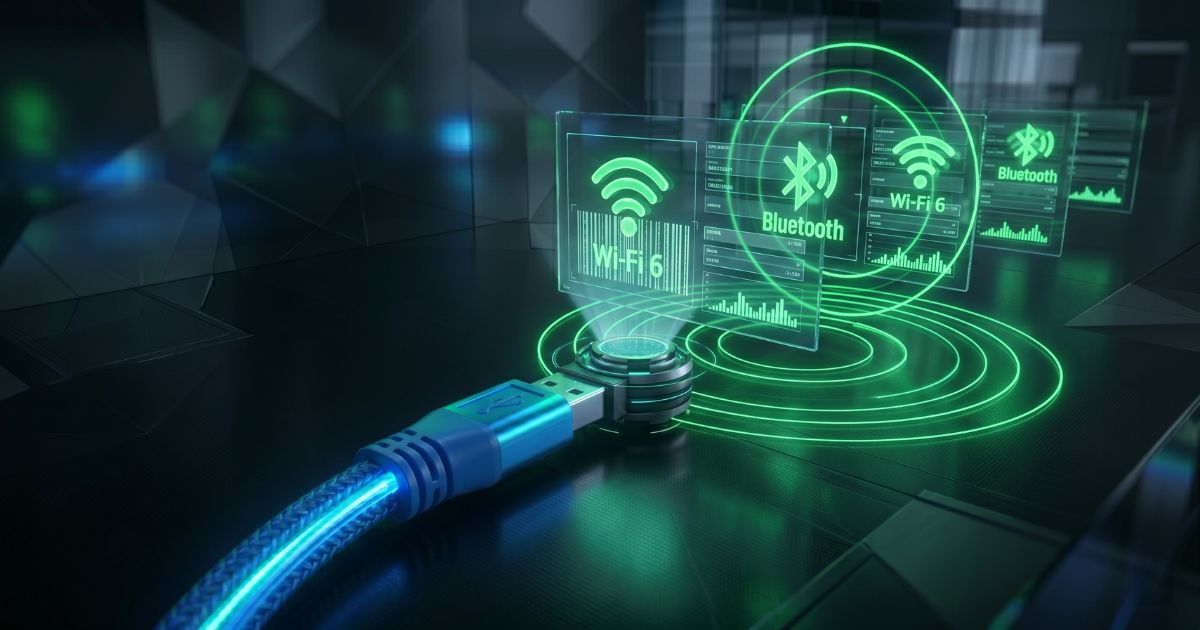
Bluetooth scanners connect to a host device — a tablet, a smartphone, a PC — within approximately 10–30 meters. The scanner pairs with the host and transmits data directly to it. This is the right technology for:
- Smaller work areas where the operator stays near the host device
- Configurations where a dedicated terminal or tablet serves as the local host
- Operations that don't require real-time data flow to a central WMS across the entire facility
Bluetooth is simpler to configure than Wi-Fi and works well in environments where the network infrastructure is limited or where you're building a standalone scanning solution rather than integrating directly into an enterprise system.
Wi-Fi (802.11)
Wi-Fi scanners connect directly to the enterprise network, enabling real-time data transmission to a WMS, ERP, or inventory management system from anywhere within Wi-Fi coverage. This is the right technology for:
- Large warehouse or factory floors where operators move across significant distances
- Operations requiring real-time inventory updates and task direction from a WMS
- Environments where the WMS needs to push task assignments or exception alerts to the scanner operator in real time
Wi-Fi connectivity requires adequate network infrastructure — access point coverage across the facility, proper VLAN configuration for scanner traffic, and ideally Wi-Fi 6 (802.11ax) capability for better performance in dense device environments and seamless roaming between access points Wi-Fi 7 (802.11be) capability. In 2026, the shift to Wi-Fi 7 has significantly improved device density handling and roaming performance, reducing "dead zones" in high-interference industrial environments compared to older standards.
Battery Management: The Hidden Cost of Going Wireless
The freedom wireless scanners provide comes with a management requirement that wired scanners don't have: batteries.
Shift coverage
Most quality industrial wireless scanners deliver 8–12 hours of scan-active battery life. For single-shift operations, a charge at the end of each shift is straightforward. For multi-shift operations, either the shift change includes a battery swap, or the charging schedule needs to ensure each device starts each shift at full charge. This sounds simple, but in practice it requires a charging discipline that doesn't always happen automatically.
Hot-swap battery design
Industrial-grade wireless scanners often feature hot-swap battery design: the battery can be replaced without powering down the device or losing the current session. For operations that can't afford scan-point downtime — high-volume picking, 24/7 receiving operations — this feature is worth prioritizing over scanners that require a full restart for battery changes.
Battery degradation over time
Scanner battery capacity degrades with charge cycles. A scanner that delivers 10 hours of life when new may be down to 6–7 hours after 18 months of daily use. This degradation is predictable and manageable — replacement batteries for industrial scanners are available and relatively affordable — but it needs to be factored into the total cost of ownership calculation and the maintenance schedule.
Which Operation Should Choose Wired, and Which Should Go Wireless?
Which Operation Should Choose Wired, and Which Should Go Wireless?
| Workflow | Recommended | Connectivity | Reason |
|---|---|---|---|
| Fixed POS / checkout counter | ✅ Wired preferred | — | No mobility needed; wired = zero battery risk |
| Receiving / inbound dock | ✅ Wired or wireless | Wi-Fi | Fixed station OK; wireless if dock layout changes |
| Large warehouse floor — picking | ✅ Wireless (Wi-Fi) | Wi-Fi | Real-time WMS updates across large area |
| Small stockroom / back-office | Wireless (Bluetooth) | Bluetooth | Limited area; Bluetooth sufficient |
| Cycle counting across store | ✅ Wireless (Wi-Fi or batch) | Wi-Fi / batch | Mobile across facility; real-time or sync on return |
| High-volume conveyor scanning | Fixed-mount (wired) | Ethernet | Automation; no handheld needed |
| Field service / outdoor | ✅ Wireless (Wi-Fi or 4G) | Wi-Fi / 4G | No fixed network; cellular or Wi-Fi roaming |
Can You Mix Both? The Case for a Hybrid Approach
For most operations of any significant size, the answer isn't wired or wireless — it's both, deployed appropriately for each use case.
POS checkout lanes: wired presentation scanners. High-volume receiving stations: wired or wireless handheld, depending on dock layout. Warehouse picking floor: wireless Wi-Fi handhelds or wearables. Cycle counting: wireless handheld, batch mode if coverage is uneven. Quality inspection stations: wired, for connection stability in RF-noisy environments.
The goal is matching the connectivity approach to the actual operational requirement at each scan point — not applying a single technology across the board because it feels like a cleaner answer. Explore our Product Range to find wired and wireless scanning options for every workflow type.